HR Apps and Tools Framework
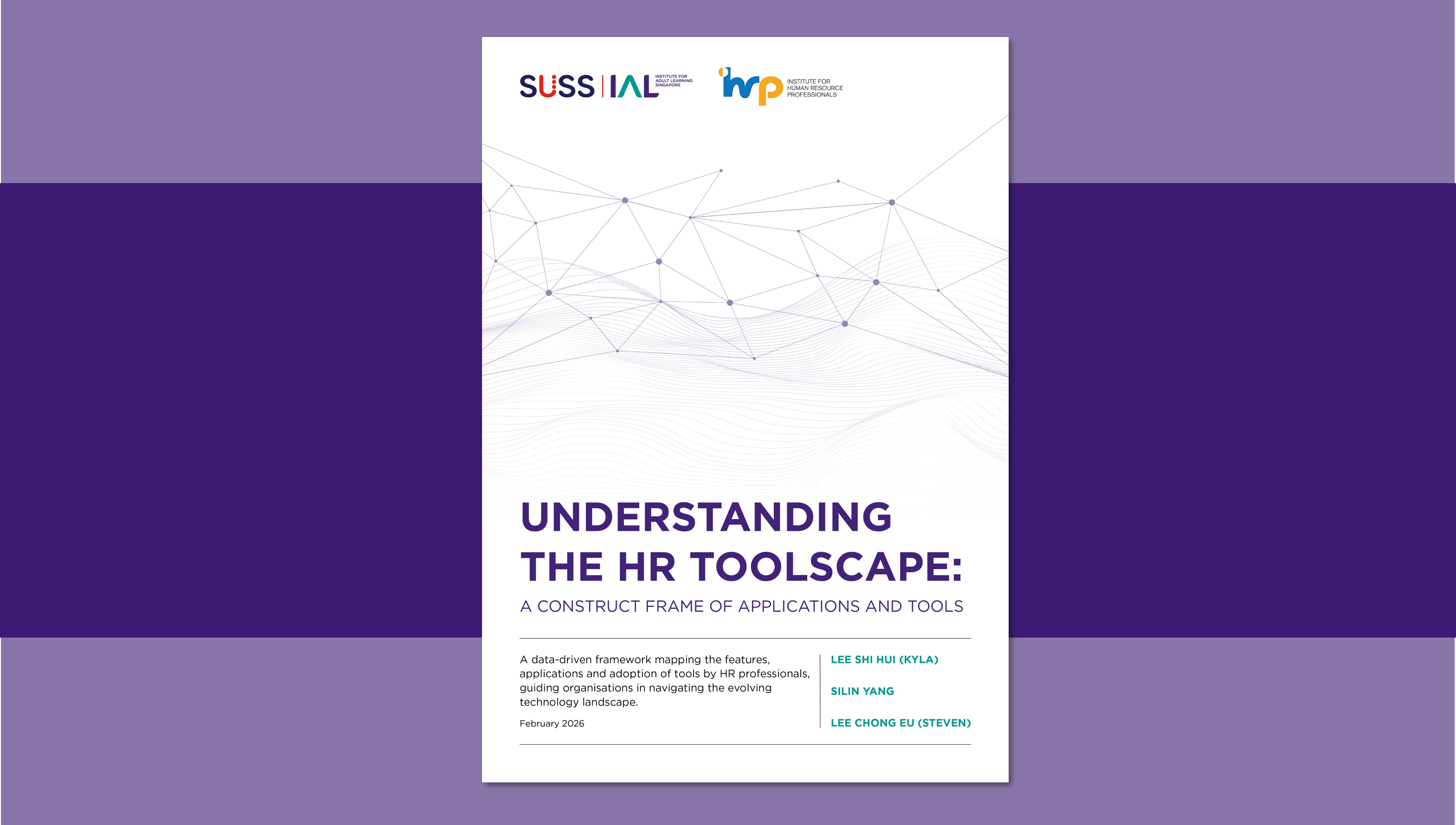
The proliferation of digital applications and tools has reshaped how organisations attract, develop, and engage their workforce, creating new pathways for skills visibility, deployment, and development. This study introduces a structured framework to help organisations navigate this complex toolscape and assess how digital tools can be strategically leveraged to advance skills-first practices across HR functions.
Drawing on a survey of 32 HR professionals across small, medium, and multinational corporations, supported by desk research and AI-assisted classification via COSTAR-compliant prompts, the report consisted of three components:
The development of a construct frame that systematises information on commonly used apps and tools adopted by HR professionals. It serves as a structured framework that organises each tool’s key features and functionalities and maps them to the HR work functions and competency domains they support.
- The analysis of survey findings from HR professionals to surface emerging insights on adoption of apps and tools.
- The examination of how apps and tools may function as enablers of skills-first practices across HR functions.
- To learn more about the construct frame, methodology, insights and how apps and tools may serve as enablers of skills-first practices, please download the full report and the construct frame below.
Explore the Apps & Tools Construct Frame Through an Interactive Dashboard
To complement the report, an interactive dashboard has been developed to help you explore the Apps & Tools Construct Frame in greater depth. The dashboard allows you to examine each tool using key metrics such as availability of free tiers/trials, satisfaction scores, and mapped IHRP competencies.
For the best viewing experience, we recommend accessing the dashboard on a desktop device.
We’re continuously improving the data and dashboard, and we value your feedback and suggestions to make it even better.
How to use the Dashboard
1. Filter and Explore:
Use the search bar or available filters to explore specific tools and compare their associated metrics.
2. Apply Your Filters:
After selecting your filters, click “Apply” to update the dashboard view.
3. Reset to Default:
To return to the original view, click the filter icon at the top right of the dashboard and select “Reset Filters.”
Your feedback and suggestions are invaluable in helping us make future iterations even better.
Project Team
.jpg?width=1114&height=1224&ext=.jpg)
Lee Shi Hui, Kyla (Ms)
Analyst, Centre for Skills-First Practices, Institute for Adult Learning

Yang Silin (Dr)
Deputy Director, Centre for Skills-First Practices, Institute for Adult Learning

Lee Chong Eu, Steven (Mr)
Advisors

Gog Soon Joo (Dr)
Fellow, Centre for Skills-First Practices, Institute for Adult Learning